Exporting building packages for backup, sharing, and publishing
In the BuildingGen Packager panel, you have two options to export your building package. For personal use, utilize Archive to export all your building package’s content to a designated location. For publishing purposes, utilize Export for Publish to export your building package into the Custom tab under the Content Manager. 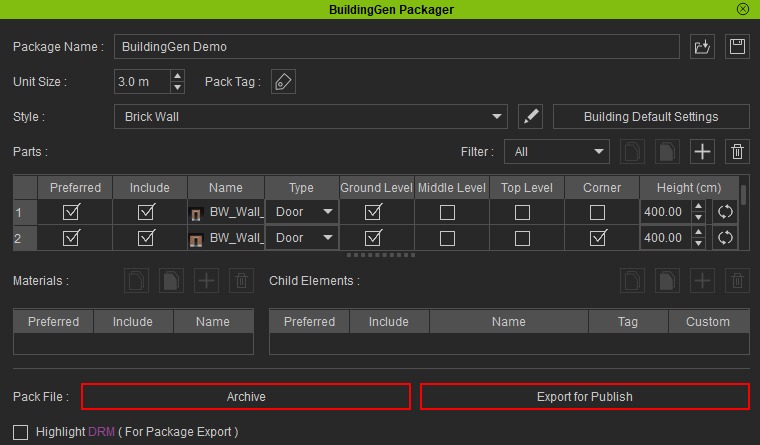
Exporting building packages for backup and sharing
The Archive function saves all content within your building pack to a directory of your choice. This is useful for backing up your building package or sharing it with other users.
- After you've finished customizing your building pack, click the Archive button at the bottom of the BuildingGen Packager panel.

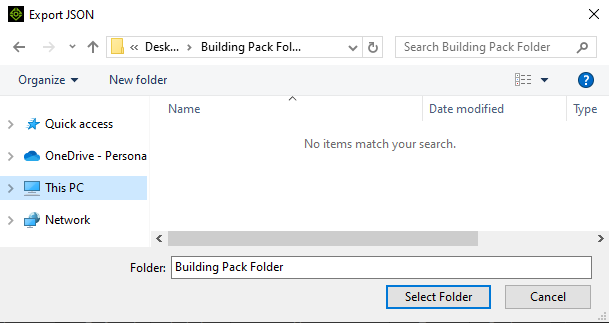
- In the Export JSON pop-up, choose the export location and click Select Folder.
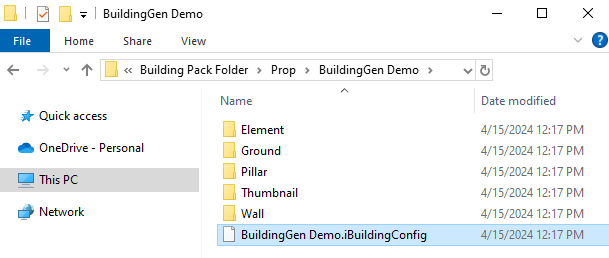
- To inspect your exported building pack, find the *.iBuildingConfig file inside your package folder.
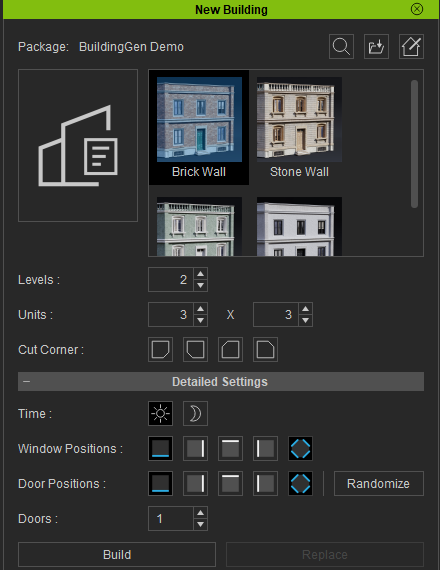
- Drag and drop your iBuildingConfig file into the iClone viewport to load it into the New Building panel and create a building.
 Note:
Note:When moving or sharing your building pack folders, ensure the file structure and names remain unchanged. Altering the names or file structure can lead to a corrupted configuration file.
At the location where you have exported your building pack, you will find two folders: “Media” and “Prop”.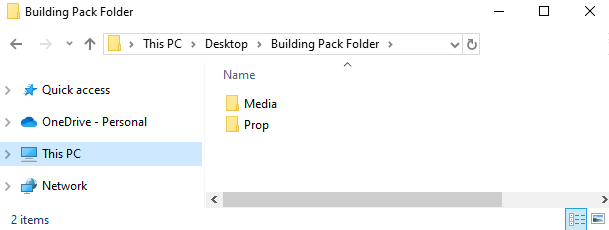
Exporting building packages for publishing
For easy publishing of your building package to the Reallusion Marketplace, it is recommended to use the Export for Publish feature to save your building package.
- In the BuildingGen Packager panel, select the Export for Publish button to save your building package.

- After the saving process is complete go to Content > Custom > All >Props > iBuilding.
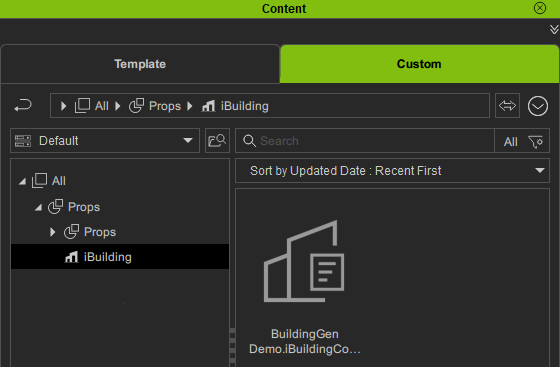
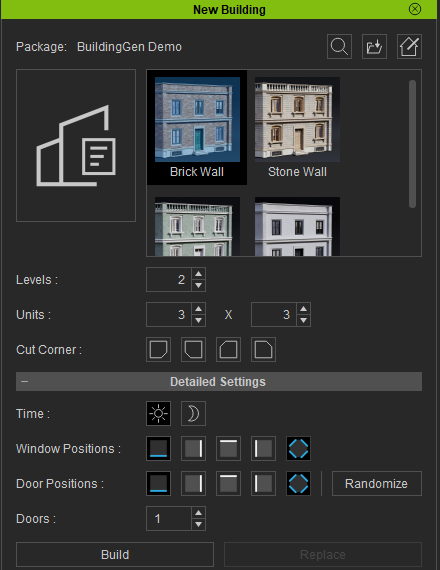
- Double-click the iBuildingConfig thumbnail to access the New Building panel. Create a building and inspect your building package.
- Follow this link to learn how to publish your building package on the Reallusion Marketplace.
Note:
Ensure your building package is free of copyrighted material to avoid publication issues. Utilize the Highlight DRM feature in the BuildingGen Packager panel to identify any copyrighted materials within your package.
